No.1 Power BI Institute in Chennai with Proven Placement Assistance
Data is everywhere. The gap is in knowing how to read it, present it, and use it to make decisions. That's exactly what Power BI teaches you — and it's exactly what companies are hiring for right now.
Our Power BI course in Chennai at Study Giant Academy is built around one simple idea: by the time you finish, you should be able to walk into any data or reporting role and contribute from your first week. Not just tick boxes on a certificate.
Whether you're looking for Power BI training in Chennai as a fresh graduate trying to stand out, a working professional looking to add a high-demand skill, or someone in finance who's tired of drowning in Excel — this course is built for the way data work actually happens.
Enquire NowChennai's job market for data roles has quietly grown into one of the strongest in South India. It's not just the IT parks — it's the mix of industries. You have finance companies, consulting firms, healthcare providers, logistics operations, and product startups, all competing to hire people who can handle data intelligently.
There are other places offering Power BI training in Chennai — we're aware of that. The honest difference is what happens in the second half of the course. Most training stops at the tool. We spend a significant portion of class time on real datasets, business scenarios, dashboard critique sessions, and interview prep.
Students who come from other institutes often tell us they learned the same features — but didn't know how to apply them in a job context. That's the gap we specifically fill.
A lot of Power BI courses teach you where the buttons are. We teach you how to think with data. The curriculum is structured so that every topic builds on the previous one — and every session uses real datasets, not made-up examples.
| Topic | What It Covers & Why It Matters |
|---|---|
| Data Importing & Connection | Connecting Power BI to Excel, SQL, cloud sources — the first real skill any job needs from you |
| Data Cleaning with Power Query | Fixing messy data before it reaches your reports — this is where most analysts spend 40% of their time |
| Data Modeling & Relationships | Linking multiple tables so your dashboards reflect how a real business actually works |
| DAX (Data Analysis Expressions) | Writing calculated columns and measures — from simple sums to business KPI formulas |
| Dashboard Design & Visuals | Choosing the right chart for the right story — bar vs line vs map vs KPI card |
| Power BI Service & Sharing | Publishing reports, setting refresh schedules, managing access — real deployment skills |
| Real Business Case Projects | Two end-to-end projects you'll actually put in your portfolio and talk through in interviews |
Not sample files from a tutorial — actual projects using real business data that you can show in interviews.
The job interview question isn't 'Do you know Power BI?' — it's 'Show me what you built and walk me through the thinking.' That's the part most courses skip. We don't. Alongside the technical training, we spend time on how data professionals actually think — how to spot what matters in a dataset, how to frame it for a non-technical manager, and how to defend your analysis when someone questions it. These are the things that get you hired and promoted.
| What You Get Good At | How It Shows Up at Work |
|---|---|
| Seeing patterns in data | You start noticing things in reports others scroll past — and you can explain why it matters |
| Turning numbers into a story | Your dashboards tell a clear story without needing a paragraph of explanation beside them |
| Asking the right business questions | Before building anything, you ask what decision this dashboard is supposed to help make |
| Catching bad data early | You don't wait for your manager to find the error — you flag it before the report goes out |
| Presenting without nerves | You can walk through a dashboard in a meeting and answer follow-up questions on the spot |
Power BI is no longer a 'nice-to-have' — it shows up in job descriptions as a requirement across business analyst, MIS, reporting, and data roles. Here's a realistic view of what our graduates move into:
| Job Role | Industry | What They Look For |
|---|---|---|
| Power BI Developer | IT / Software Services | DAX, data modeling, report publishing |
| Business Intelligence Analyst | Finance / BFSI | Power Query, dashboards, KPI tracking |
| Data Analyst (Power BI) | Consulting / Healthcare | SQL connections, visual storytelling |
| MIS Analyst | Operations / Retail | Automated reporting, Excel + Power BI combo |
| Reporting Analyst | E-commerce / Logistics | Scheduled refresh, data accuracy checks |
This course doesn't have a typical student profile — and that's intentional. We've designed it to be genuinely accessible. Here's who usually walks in:
If you're comfortable with Excel basics and can describe a business problem clearly — you're ready.
Every step of the course is designed to move you forward — not just expose you to content. Here's what the actual journey looks like:
Our Power BI institute in Chennai is easily reachable from most parts of the city. Classes are held at our Anna Nagar centre — one of the most well-connected locations in Chennai. If travel is a concern, our online Power BI training runs the exact same program with the same trainer and placement support.
We offer flexible learning options including weekday, weekend, and fast-track batches to suit different schedules. For those who are unable to attend in person due to distance or work commitments, we also provide a complete online Power BI analytics training program with the same trainers, course structure, and support.
Here's exactly what's on the screen during every session of our Power BI course in Chennai. No surprises — these are the tools companies expect you to know:
| Power BI Desktop | Power BI Service | Power Query | DAX |
|---|---|---|---|
| Build, design & publish reports on your desktop | Share dashboards, set data refresh, manage access online | Clean, reshape and transform raw data before analysis | Write formulas for KPIs, calculated columns and measures |
| Also covered: Excel as data source | SQL database connections | Cloud sources (SharePoint, Azure) | Real business datasets throughout | |||
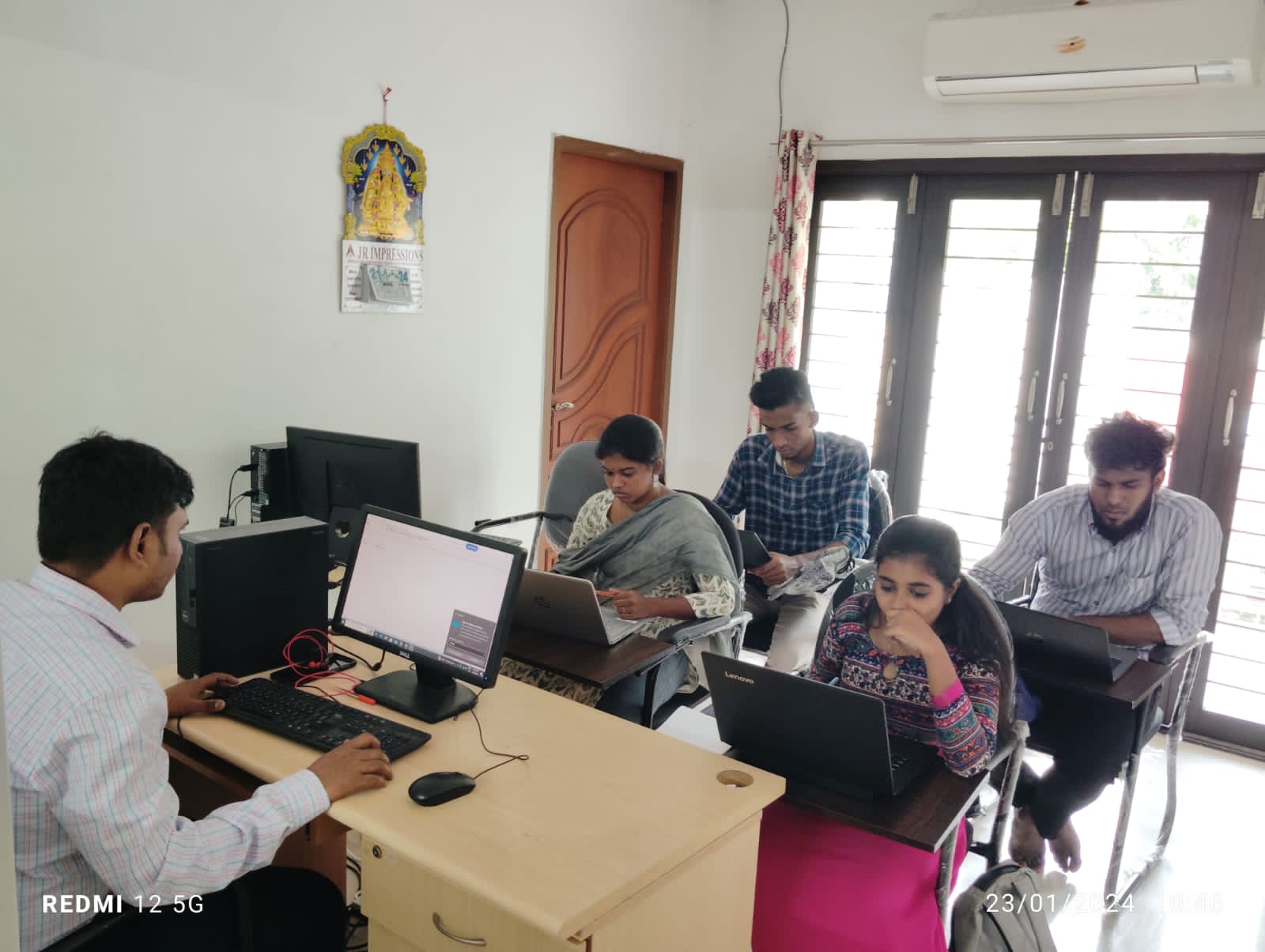
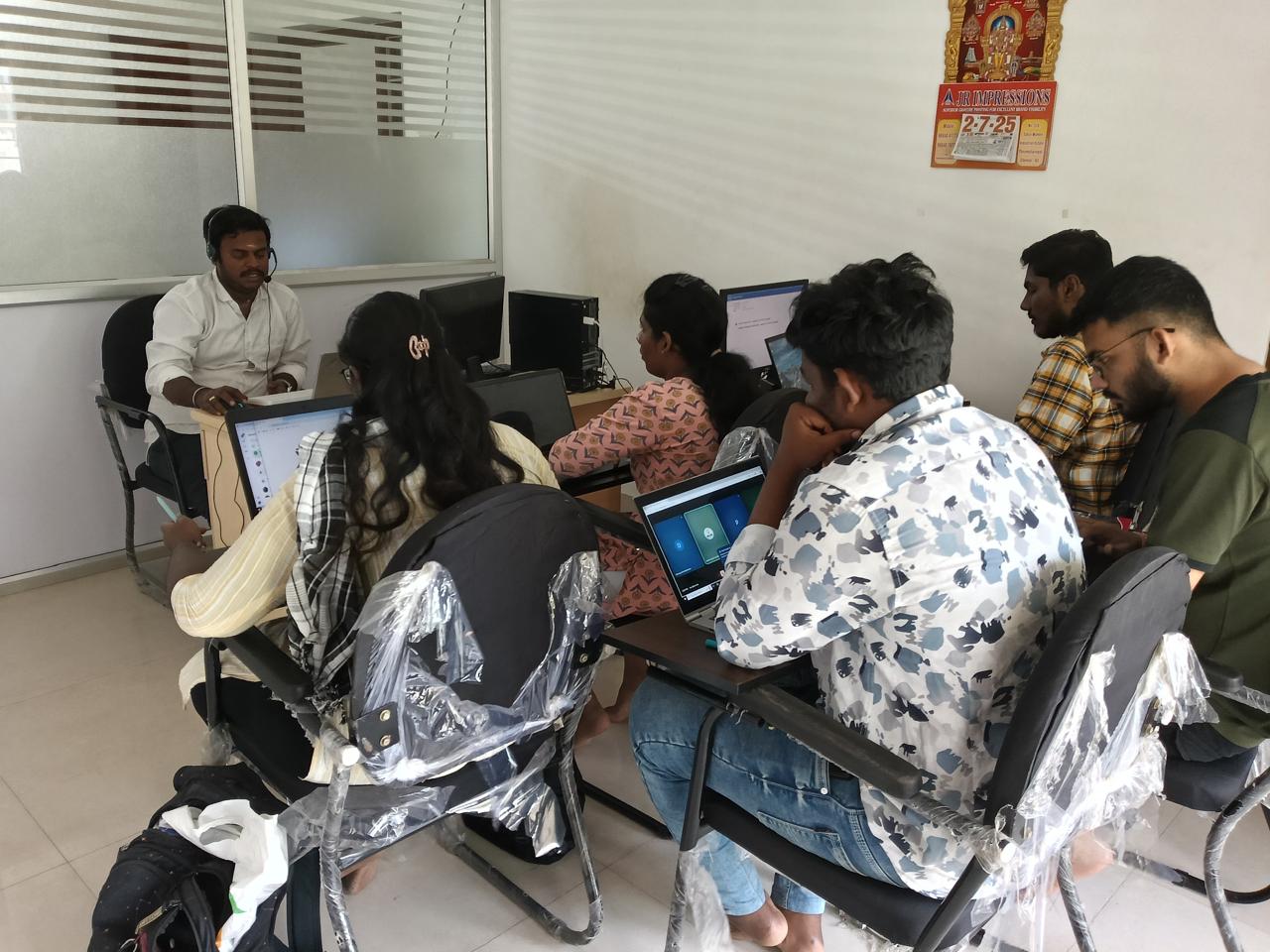
Real moments from our training sessions and certification ceremonies.
The Power BI course duration is typically 1.5 to 2 months. Weekend batches run slightly longer at 2.5 months. Fast-track options are also available.
No coding is needed. Power BI is designed for business users — basic Excel skills are enough to get started.
Yes. Power BI is now listed as a required or preferred skill in most analyst and MIS job postings in Chennai. It is one of the fastest ways into a data career without needing a programming background.
Core tools: Power BI Desktop, Power BI Service, Power Query, DAX. We also cover data sources including Excel, SQL databases, and cloud connectors. If you already use Excel, the learning curve is shorter than you'd expect.
Our placement team prepares your resume, conducts mock interviews, and connects you to openings from our network of 1,500+ hiring companies. Most students receive their first interview call within 2–4 weeks of course completion.
Yes. Our online Power BI training covers the same syllabus with the same trainers and full placement support. All sessions are live — not recorded — so you can ask questions in real time.
Not sure if our Power BI classes in Chennai are the right next step for you? Speak with one of our counsellors — no sales pitch, just an honest 15-minute conversation.
Have questions about course curriculum, batch timings, or placement statistics? Fill out the form, and our career counselors will get back to you within 24 hours.